






Your copy is on its way to your email right now!
Success!
Thank you for Downloading How to Choose the Undertone of Colours
To Do
Want to Discover the Colour Palette that Suits You Best?
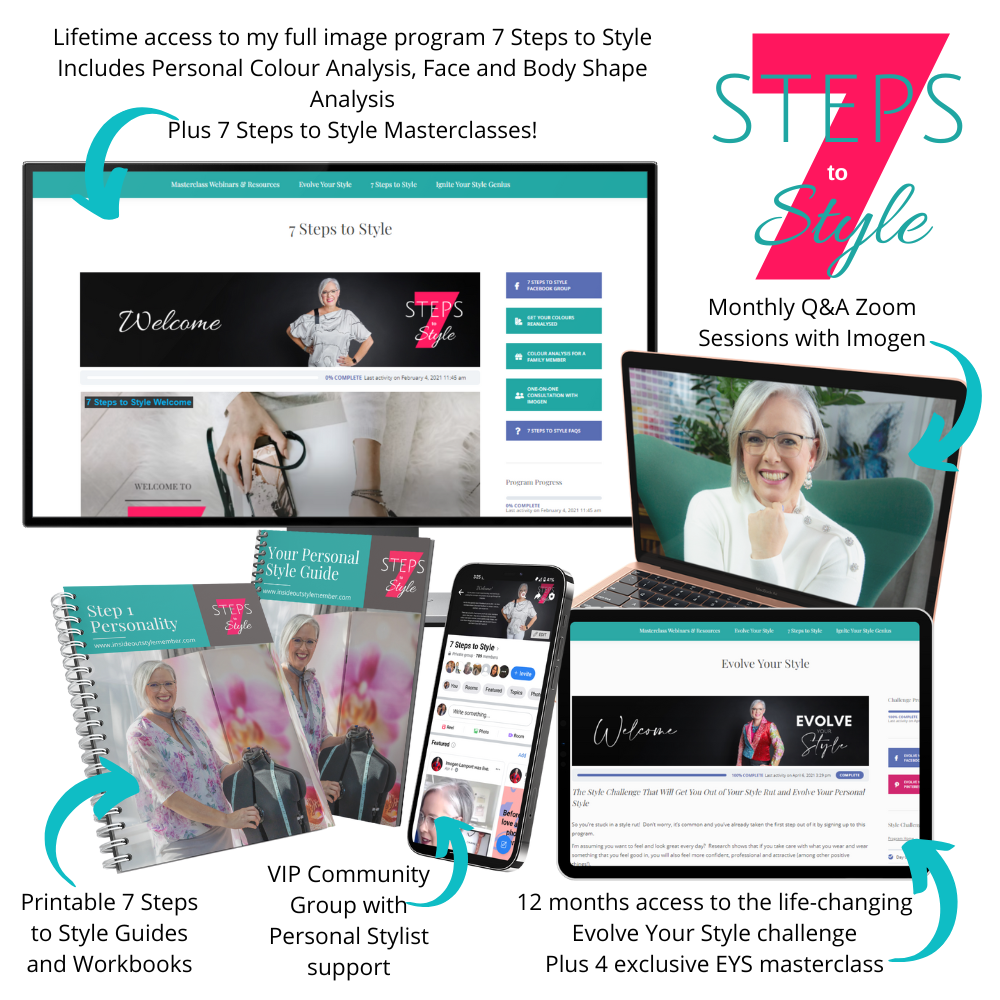
Get an online personal colour analysis here. Or if you want to also get the full style education and get all your colour and style fundamentals sorted, you can get your colour analysis as part of my 7 Steps to Style program!
Remember, your colouring changes as you age, if you’ve had a colour analysis 10+ years ago, it’s probably time to have a new one.
Your identity is wrapped up in what you wear, and how you present yourself to the world. When you’ve lost your style it saps your confidence and makes you doubt yourself. It’s time to reimagine your style to truly show up.
Start your 7 Steps to Style journey now and begin expressing your authentic style with confidence right away. I’ll show you how!
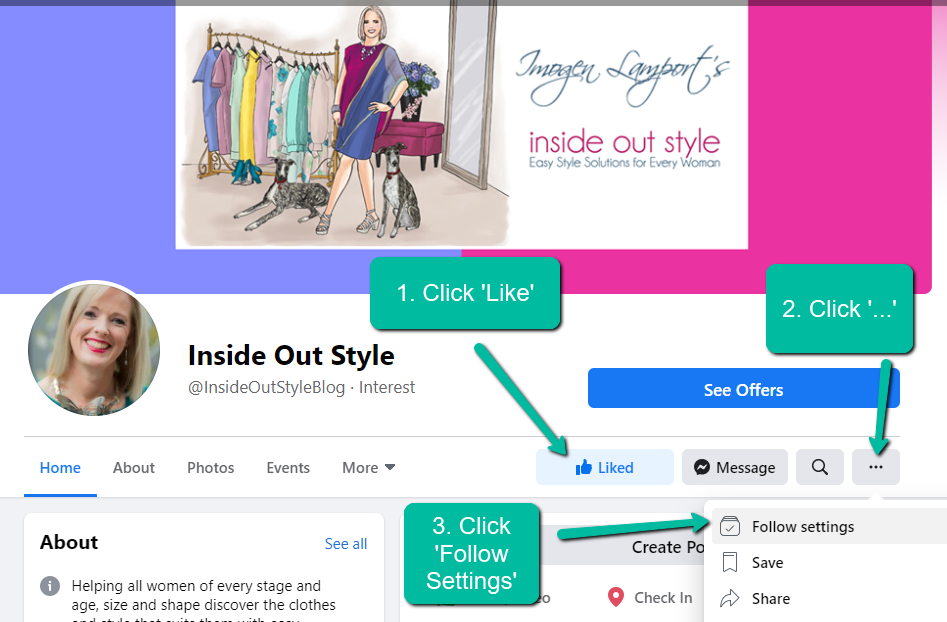
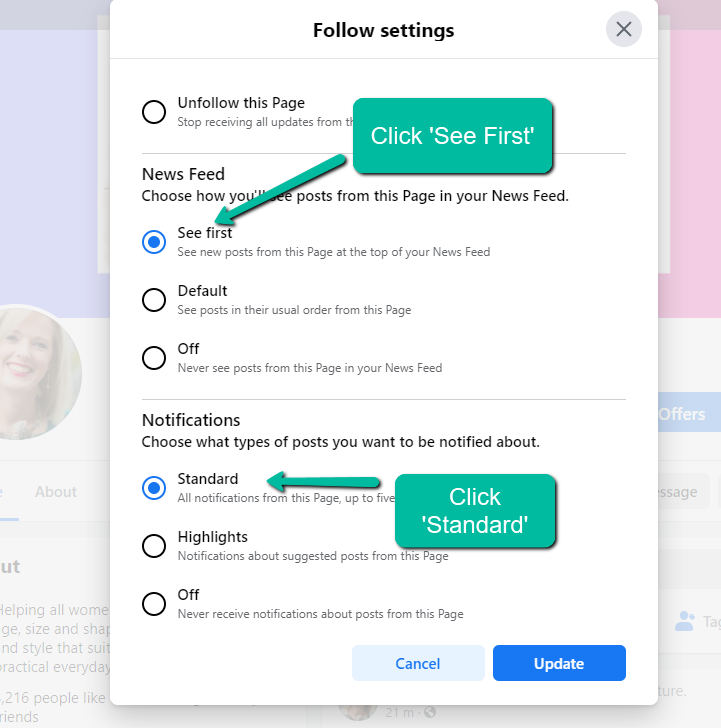
How to Make Sure You Get Notified of My Q&A Live Videos on Facebook
How to Make Sure You Get My Emails in Gmail
If the confirmation email that has been sent was not delivered to your Primary Inbox, check the Spam/Promotions/Updates folders and when you find it drag and drop it into your PRIMARY Inbox.
Gmail will ask if you’d like this to always happen – click YES.


You’ll then see this message which means you have successfully completed this process.
